Minecraft Bedrock APK v1.26.70.29 Download for Android [2026]
Game · Arcade and sandbox · Mojang Studios
| Name | Minecraft (Bedrock Edition) |
| Category | Arcade, sandbox |
| Latest version | v1.26.70.29 |
| APK size | 887 MB |
| Developer | Mojang Studios |
| Package | com.mojang.minecraftpe |
| System | Android |
| Microsoft Account | Optional for single player, required online |
| Download price | Free from this site |
| Updated | November 2026 |
Minecraft Bedrock is the version of Minecraft that runs on Android, iPhone, consoles, and Windows. Here's the latest APK we've linked to, a guide on how to install it without losing your worlds, and clear answers to the most frequently asked questions.
- For Android
- No root
- Step by step guide
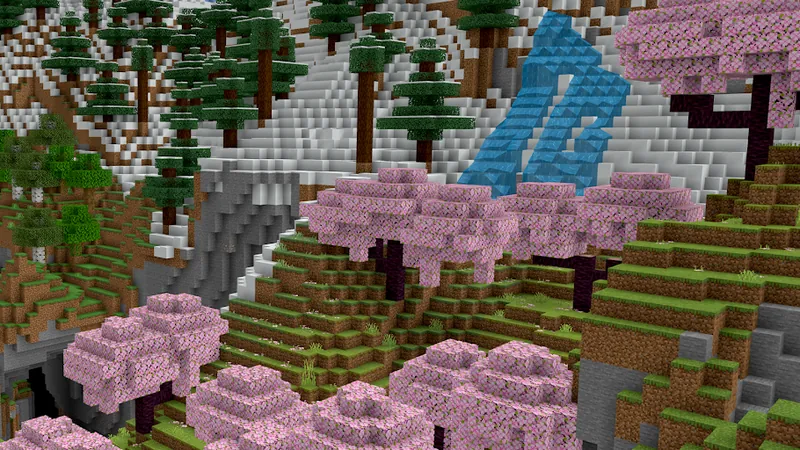
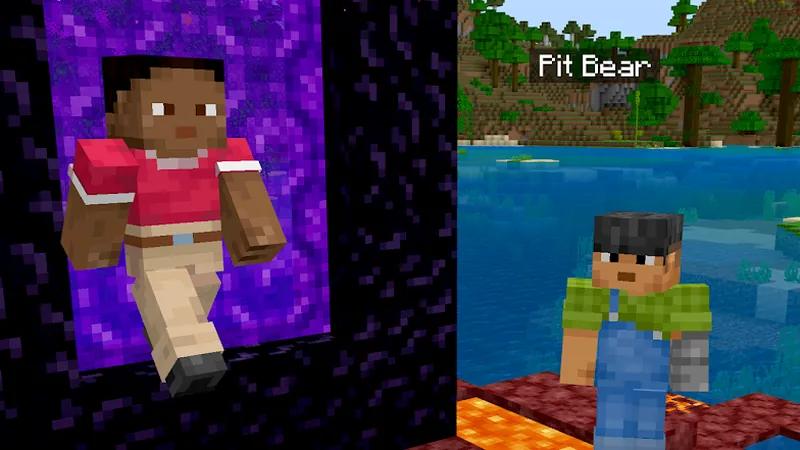
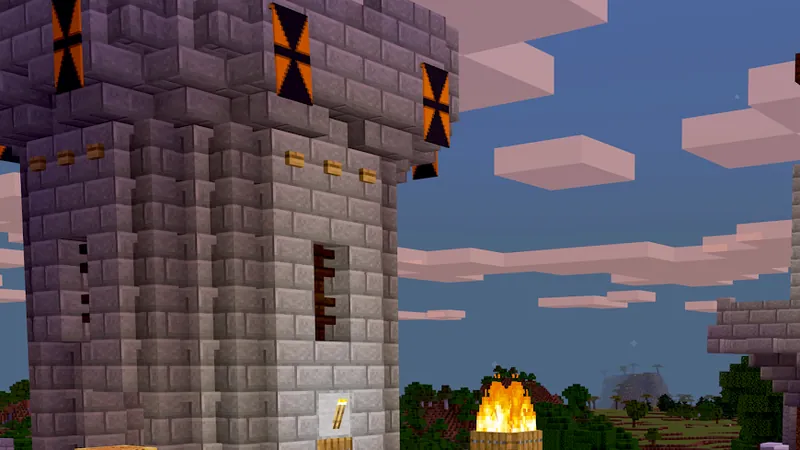
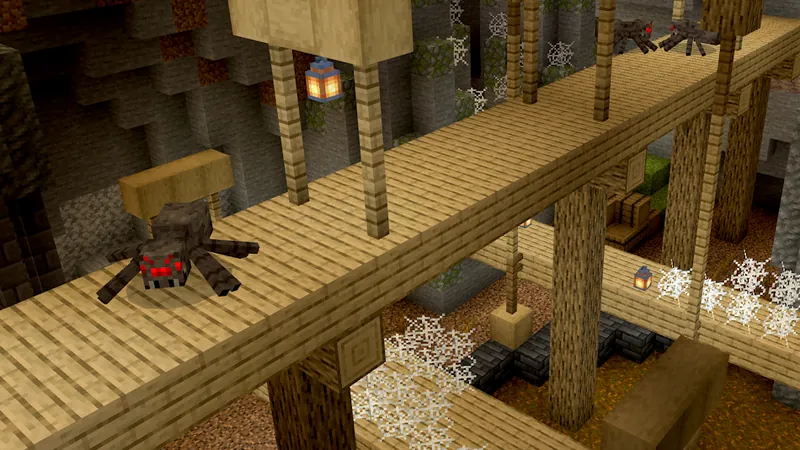
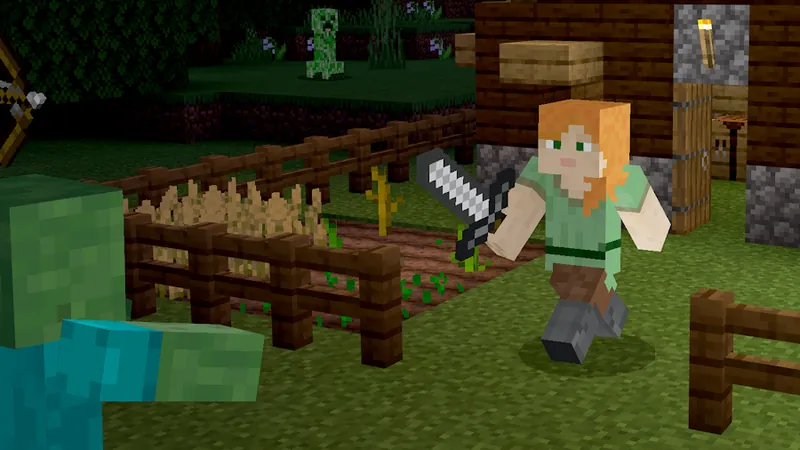
Actual screenshots of the game on Android and tablet. Images are from Mojang; they are shown here for reference only.
Table of contents
- 1 What is Minecraft Bedrock APK?
- 2 Main features of Minecraft Bedrock
- 2.1 Survival, creative and adventure
- 2.2 Cross platform play
- 2.3 Realms and servers
- 2.4 Marketplace and add ons
- 3 What the latest version brings
- 4 How to download and install the APK
- 5 Your first world step by step
- 6 Minecraft Bedrock on PC and iPhone
- 7 System Requirements
- 8 Advantages and disadvantages
- 9 Is this APK safe?
- 10 Alternatives to Minecraft Bedrock
- 11 Tips for Playing Better on Your Phone
- 12 Conclusion
- 13 Frequently Asked Questions
What is Minecraft Bedrock APK?
Minecraft Bedrock APK is the Android installation file for the Bedrock Edition of Minecraft, the same codebase used by the iPhone, Xbox, PlayStation, Nintendo Switch, and Windows versions. That's why a friend with a console and you with your phone can enter the same world without any tricks: everyone speaks the same technical language.
The game needs no lengthy introduction. You appear in a virtually limitless world made of blocks, chop down your first tree, craft tools, and decide what to do next: survive the first night, mine for diamonds, or build an entire city in creative mode. What differs in Bedrock from the Java PC version is the engine, the plugin system, and crossplay, which we explain in detail in our Bedrock vs. Java comparison.
On this page, the download button points to the APK v1.26.70.29. Once installed, you can verify that the package is named com.mojang.minecraftpe, the name Mojang uses for the game on Android; we'll tell you where to find it below.
Main features of Minecraft Bedrock
These are the components you'll use most on Android. Some are active from the start, while others require a Microsoft account or a stable internet connection.
Survival, Creative, and Adventure modes
In survival mode, you face hunger, health, and enemies, and every block is hard earned. In creative mode, you fly, have access to all the game's blocks, and are immune to damage, ideal for building without pressure. Adventure mode is primarily used on maps created by other players, where the creator's rules dictate what you can break or place.
Difficulty tailored to your needs
Peaceful eliminates hostile monsters, Easy and Normal balance them, and Hard makes the night truly terrifying. You can change the difficulty from the world settings at any time, without starting from scratch.
Cross platform play
With a Microsoft account, you can play with friends on Xbox, PlayStation, Switch, Windows, and iPhone. All you need is for everyone to have the same version of the game, so it's a good idea to update at the same time when a new build is released.
Realms and servers
Realms is Mojang 's subscription service for an always on online world for you and your guests. If you prefer not to pay, the Servers tab lets you access featured servers or any Bedrock server with its IP address and port. We explain this in the server guide with IP and port.
Marketplace and add ons
The Marketplace offers maps, skins, texture packs, and minigames from Mojang approved creators, which can be purchased with Minecoins. Additionally, Bedrock accepts plugins and resource packs in .mcpack or .mcaddon format, which can be imported simply by opening the file on your phone.
Touch controls and controller
You can choose between the classic on screen D pad, the joystick, or touch based cursor control. If you connect a controller via Bluetooth, the game recognizes it and changes the interface icons. It also supports keyboard and mouse on tablets and some phones.
Commands and command blocks
By enabling cheats in a world, you can change the time, weather, game mode, or teleport using commands that begin with a slash. The basic list is in our command guide.
Redstone and mechanisms
Redstone works like electrical wiring: you can use it to create automatic doors, self harvesting farms, or traps. In Bedrock some circuits behave differently than in Java, so computer tutorials aren't always entirely applicable.
World seeds
Each world begins with a seed, a number that determines where mountains, villages, and oceans fall. If you copy a friend's seed, you get the same terrain, which is useful for challenges or finding a specific village.
What does the latest version include?
The version we're linking to now is v1.26.70.29. In Bedrock the number is read from left to right: the first block indicates the major update of the year, the following blocks mark revisions within it, and the last is the build number. Two phones with different numbers can't always play together, so this information is more important than it seems.
Each build typically includes bug fixes, performance tweaks, and, in major updates, new blocks, creatures, or biomes. Mojang publishes the official patch notes for each version on their feedback site, feedback.minecraft.net, where you'll find the complete list of changes. We don't copy those notes or promise features we haven't seen in the game.
Before updating: export your important worlds. It's a two minute step and will save you if something goes wrong. The full guide is in how to update without losing worlds.
How to download and install Minecraft Bedrock APK
The file is 887 MB, so it's best to use WiFi and have plenty of free space: Android needs space for the APK, for the already installed game, and for your worlds.
- Free up space. Leave at least 3 GB free on internal storage.
- Download the file. Tap the download button on this page and wait for your browser to finish. Don't close the tab halfway through.
- Allow installation. When you open the APK, Android will ask for permission to install apps from your browser or file manager. Enable it only for that app.
- Install. Tap Install and wait. With a file of this size, the process may take one or two minutes.
- Open the game. The initial load will be slower as the game prepares its resources. Then, sign in with your Microsoft account if you want to play online.
- Remove the permission. Go back to settings and disable installation from unknown sources for that app.
Are you getting the "App not installed" message? This almost always means you already have Minecraft installed from another source, such as the Google Play version. Android won't allow you to install over it. Export your worlds, uninstall the previous version, and reinstall.
Your first world step by step
If it's your first time, don't overthink it. With these steps, you'll have a safe haven before nightfall.
- Tap Play, then Create new and choose Create new world.
- Give it a name, leave the mode on survival and the difficulty on easy or normal.
- When it appears, hit a tree until you get some logs and turn them into planks from your inventory.
- Craft a crafting table, then sticks and a wooden pickaxe.
- Use a stone pick to make better tools and gather coal for torches.
- Before nightfall, dig a shelter in a hill or build four walls with a roof.
From there, the game is yours. Some people focus on farming, some explore caves, and some never leave creative mode. None of these approaches is right.
Minecraft Bedrock on PC and iPhone
The APK is only for Android, but Bedrock exists almost everywhere. On a Windows computer, you can use the official Windows version or try the APK within an emulator; the steps are in Minecraft Bedrock for PC guide. An APK cannot be installed on iPhone and iPad, and we'll tell you what real options are available for Minecraft Bedrock on iPhone.
System requirements
Mojang doesn't publish a single figure for all phones, and the game runs quite well on modest devices. This table summarizes our recommendations based on our testing, not an official list.
| System | Updated Android, the more recent the better |
| RAM | 4 GB for smooth gameplay; with less, the render distance decreases. |
| Free storage | 3 GB or more (APK, installed game and worlds) |
| Processor and graphics | Mid range from recent years or higher |
| Connection | Online multiplayer only, Realms and Marketplace |
Is your phone up to the task? Check the detailed requirements and graphics settings to gain FPS.
Advantages and disadvantages
Advantages
Disadvantages
Is this APK safe?
An APK is safe when it comes from the original game and no one has modified it. These checks take a minute and you can do them yourself:
If the installer asks you for something that doesn't fit this list, cancel and write to us from the contact page.
Alternatives to Minecraft Bedrock
If you're looking for something similar, there are free and paid options worth trying. We compare them in detail in our Minecraft Bedrock Alternatives.
- Luanti: the free engine formerly known as Minetest, with games created by its community
- Terraria: a 2D adventure with lots of exploration and bosses
- Survivalcraft 2: survival with blocks and a more leisurely pace
- Roblox: a platform for user created games, many of them building games.
Tips for playing better on your phone
Conclusion
Minecraft Bedrock remains the most convenient way to play Minecraft on Android: it runs smoothly, connects with friends on any platform, and has content for years to come. Download the APK, install it at your leisure, and back up your worlds before each update. If you enjoy the game, support Mojang by purchasing it from the official store.
Frequently Asked Questions
What is the difference between Minecraft Bedrock and Minecraft PE?
None in practice. Pocket Edition was the old name for the mobile version; for years it has been called Bedrock Edition and shares the same engine as consoles and Windows.
How much does Minecraft Bedrock APK weigh?
The file we linked to is 887 MB. Once installed and with some worlds, it takes up more space, so we recommend 3 GB of free space.
Can I play without a Microsoft account?
Yes, in single player and local worlds. For servers, Realms, online crossplay, and the Marketplace you need to log in.
Will I lose my worlds if I install this APK?
Not if you're updating over an existing installation with the same signature. If you have to uninstall, export your worlds first, because they'll be deleted during uninstallation.
Can I play with friends who have Xbox or PlayStation?
Yes. Bedrock has crossplay; everyone must have the same version and a Microsoft account.
Do Java mods work on Bedrock?
No. Bedrock uses its own plugins and resource packs in .mcaddon and .mcpack formats.
Does the APK work for iPhone?
No. iPhone do not install APK files. On iOS the game is installed from the App Store.
How often do they update the link?
When a new build is released, we change the file and version you see on this page, so the button number and the game number always match.