Servers are the easiest way to play Minecraft Bedrock with lots of people: minigames, shared survival worlds, or communities with their own rules. To join, you only need two pieces of information: the address and the port.
Minecraft Bedrock APK
Table of contents
Before we begin
Featured Servers
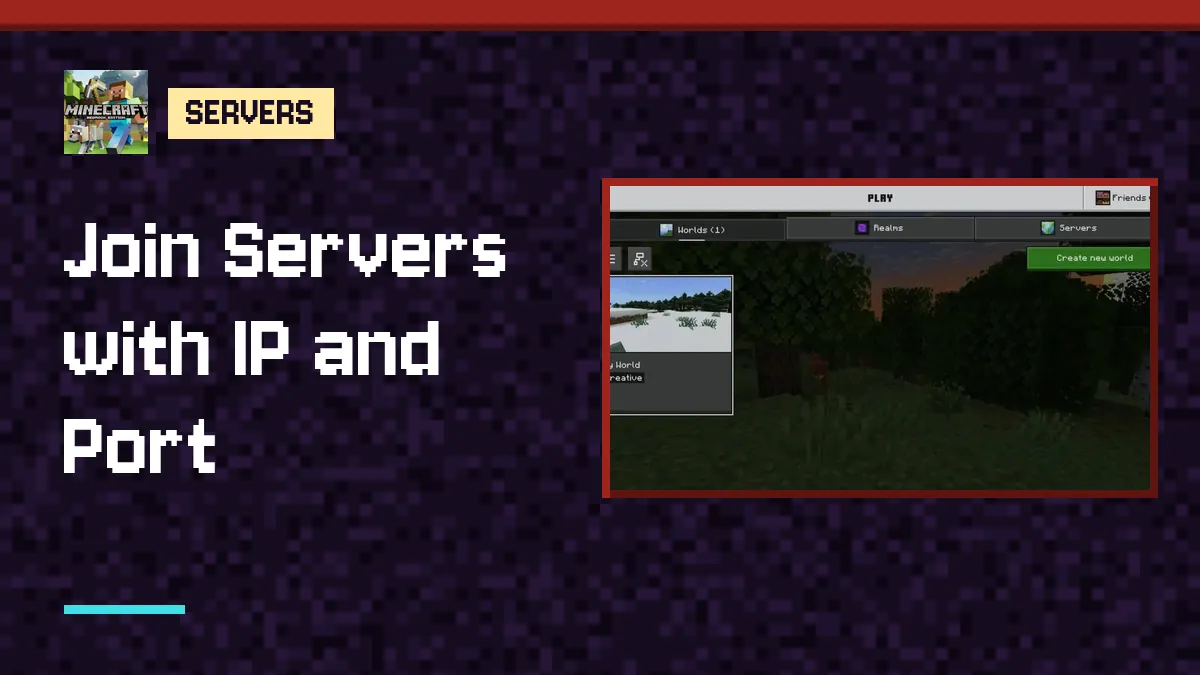
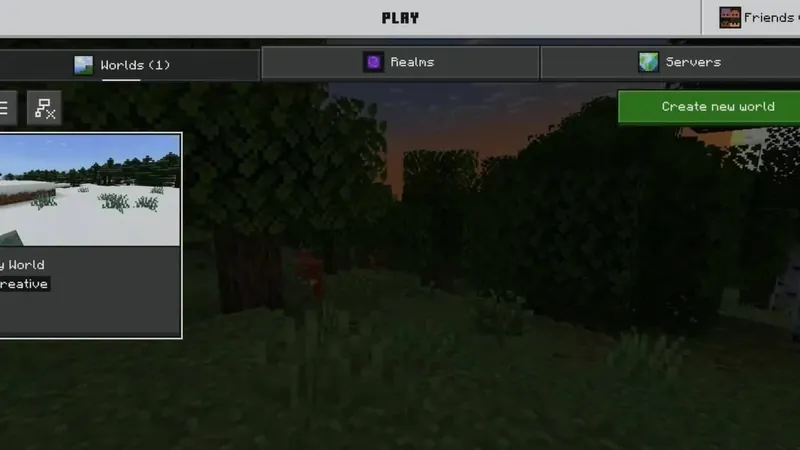
In the Play menu, the Servers tab displays a list of featured servers selected by Mojang. Tap one, then Join Server, and you're all set. No typing required.
Add a server with IP address and port
- Open Play and go to the Servers tab.
- Scroll to the bottom of the list and tap Add server.
- Enter a name to identify it, the server address, and the port.
- Tap Save. The server will appear in your list with its status and number of players.
- Tap it and choose Join server.
The standard Bedrock Edition port is 19132. If the server doesn't specify a different port, use that one. Java Edition servers use port 25565 and don't accept Bedrock Edition players unless they have a special bridge.
Example addresses
These minigame servers have been open for Bedrock for years. The addresses may change, so please confirm them on each server's official website before adding them.
| Server | Address | Port |
| The Hive | geo.hivebedrock.network | 19132 |
| CubeCraft | play.cubecraft.net | 19132 |
| Lifeboat | play.lbsg.net | 19132 |
Worlds of friends and local network
To join a friend's world, you don't need an IP address. If you've added them, their game will appear in the Friends tab while they're playing. If you're connected to the same WiFi network, the world will appear as a local network game, provided the person who opens it has the multiplayer option enabled in the world settings.
If you can't connect
- Different version: update the game or wait for the server to catch up
- Incorrect port: check that it is 19132 or the one indicated by the server.
- Network blocking: Some school or office networks block gaming traffic; try using mobile data.
- Account without permissions: Minor accounts require adult multiplayer permission.
- Server full or down: check its status on the list or on its networks
Your own server
Mojang offers the official Bedrock dedicated server software for free on its website, for both Windows and Linux. If you install it at home, you'll need to open port 19132 via UDP on your router to allow friends to connect remotely. For a small group, a Realm is usually simpler because it doesn't require keeping a computer running.
puerto: 19132 (UDP)Frequently Asked Questions
Are the servers free?
Most do. Some sell ranks or cosmetics, but entry is free.
Can I access a Java server from my phone?
Only if that server uses a bridge for Bedrock. Otherwise, you'll see a connection error.
Why don't I see the Add Server option?
Scroll to the bottom of the Servers tab. If it's still not there, log in and update the game.
Is the server chat safe?
Adults are moderate, but it's advisable not to share personal data and to review the permissions of minors' accounts.