Minecraft Bedrock runs on a wide variety of phones, from entry level to high end. The real question isn't whether it will open, but whether it will run smoothly on your phone. Here's a step by step review.
Minecraft Bedrock APK
Table of contents
Are there any official requirements?
Mojang doesn't publish a single minimum performance specification for all Android phones because performance varies significantly between brands and chipsets. However, there is a general rule of thumb: if your phone keeps Android updated and has sufficient free space, the game will install and launch. Beyond that, it depends on the phone's memory and graphics processing power.
That's why the numbers in this guide are our recommendations, based on how the game responds, and not an official list.
Storage
The APK v1.26.70.29 weighs 887 MB. When installed, Android needs space for the file and the unpacked game, and then each world grows as you explore. A large world can take up hundreds of megabytes on its own, and Marketplace packs add even more.
RAM
The RAM determines how many world fragments the game can load at the same time. With insufficient memory, you'll experience stuttering when rotating the camera or when many creatures appear.
- 2 or 3 GB: playable with low render distance and without heavy texture packs
- 4 GB: the point at which the game runs smoothly with medium settings
- 6 GB or more: margin for long distances, busy servers, and flashy graphics
Processor and graphics
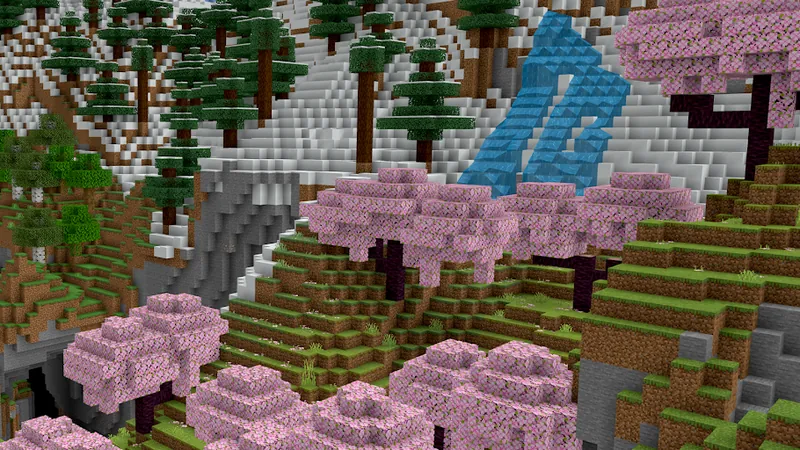
Any mid range chip from the last few years can run Minecraft without a problem. The biggest difference is noticeable in the game's most advanced graphics mode, Vibrant Visuals, which only appears on phones with a compatible graphics chip. If you don't see this option in your video settings, your phone doesn't support it, and there's no guaranteed way to force it.
Heat also plays a role. A phone that gets hot slows down to protect itself, and the FPS drops. Playing without a case and away from the sun helps more than you might think.
How to check your phone
- Open Settings and go to About phone. There you'll see the Android version and, on many models, the RAM.
- Go to Storage to see how much free space is left.
- If your brand hides the RAM, look for it in the specifications section or on the phone box.
- Using that data, compare it with the table below.
Reference table
| Your phone | What to expect | Recommended setting |
| 2 or 3 GB of RAM | Playable | Distance 6 to 8, simple graphics |
| 4 GB of RAM | Fluent | Distance 10 to 12, elaborate graphics |
| 6 GB or more | Very fluid | Distance 16 or more, eye catching options |
Is your phone just barely adequate? Before dismissing the game, try our graphics settings to increase your FPS.
Frequently Asked Questions
Does Minecraft Bedrock work on tablets?
Yes. On tablets, it usually performs even better due to the larger screen and better cooling.
And on Chromebook?
Chromebook that support Android apps can install it. Performance depends on the model.
How much battery does it use?
High graphics settings are sufficient. Lowering the brightness and render distance significantly lengthens the game.
Do I need internet to play?
Not for single player. Only for servers, Realms, crossplay, and the Marketplace.